

7 Powerful Reasons for a White Dot on Your Mobile Screen
White dot on mobile screen problems can be surprisingly confusing. You may notice a tiny bright spot that suddenly appears on your display and wonder whether it is a software glitch, a stuck pixel, or a sign that your phone screen is damaged.
The good news is that a white dot does not always mean you need an expensive screen replacement. Several things can cause this issue, including a screen protector, software features, stuck pixels, physical pressure, heat, moisture, or internal display damage.
In this guide, we’ll explain the most common causes and show you how to identify the problem, what you can safely try at home, and when professional repair may be necessary.
What Does a White Dot on a Mobile Screen Mean?
A white dot can have several different meanings depending on its size, location, brightness, and behavior.
If it appears only temporarily, it could be related to a software feature or an on-screen control. If it remains visible even when the phone is displaying different images, the display itself may be involved.
The most important clue is whether the dot moves or remains fixed.
A fixed point is more likely to be associated with the display, while a moving or disappearing mark may come from software, an application, or something placed on top of the screen.
7 Common Reasons a White Dot Appears
There isn’t one universal cause. Here are seven possibilities worth checking:
1. Stuck pixel: A pixel may remain illuminated instead of changing normally.
2. Screen damage: Pressure, impact, or bending can damage the display layers.
3. Screen protector: Air bubbles, dust, adhesive problems, or imperfections can create a bright spot.
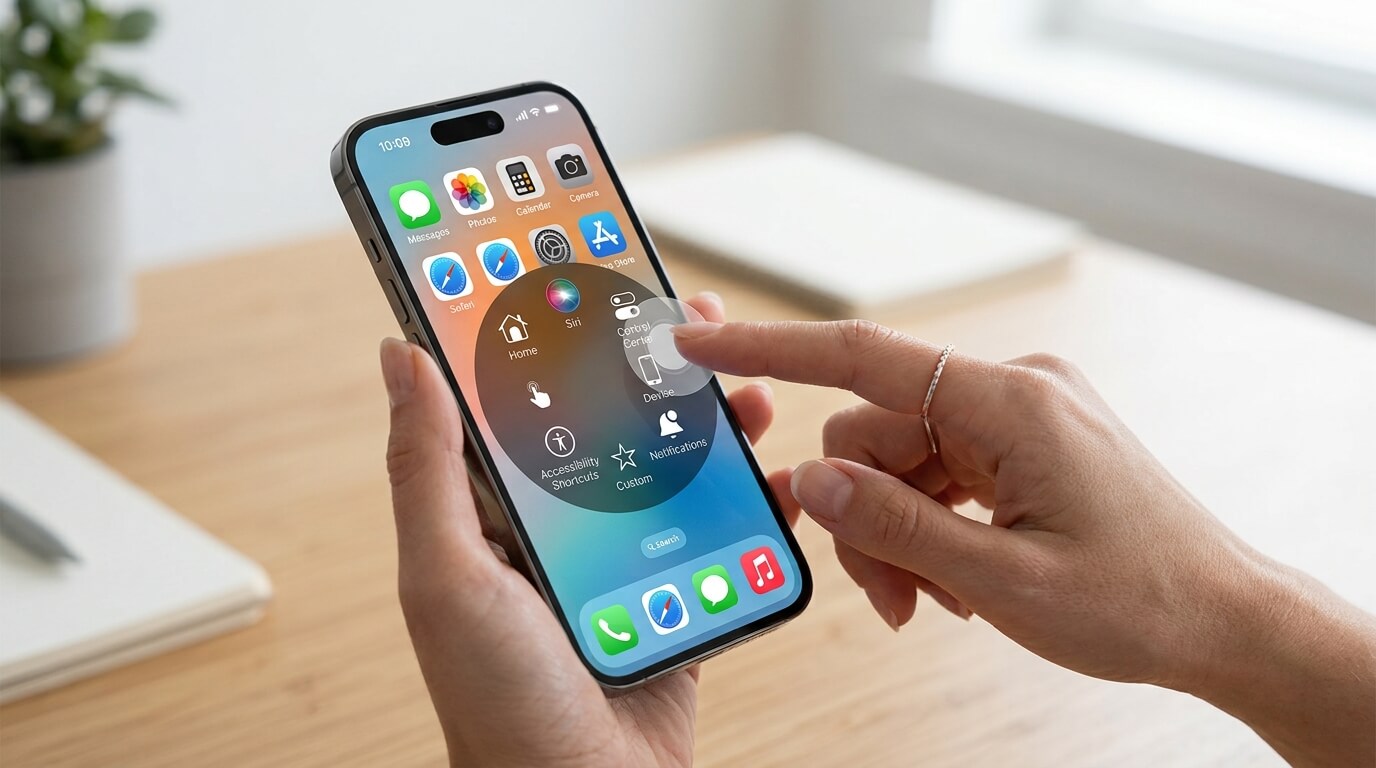
4. Software feature: Some phones display touch indicators, accessibility controls, or floating buttons.
5. Moisture: Liquid entering the phone can affect display components.
6. Heat: Excessive temperatures can sometimes contribute to display problems.
7. Internal display failure: A damaged OLED or LCD panel may develop bright or discolored areas.
The exact appearance can help narrow down the cause.
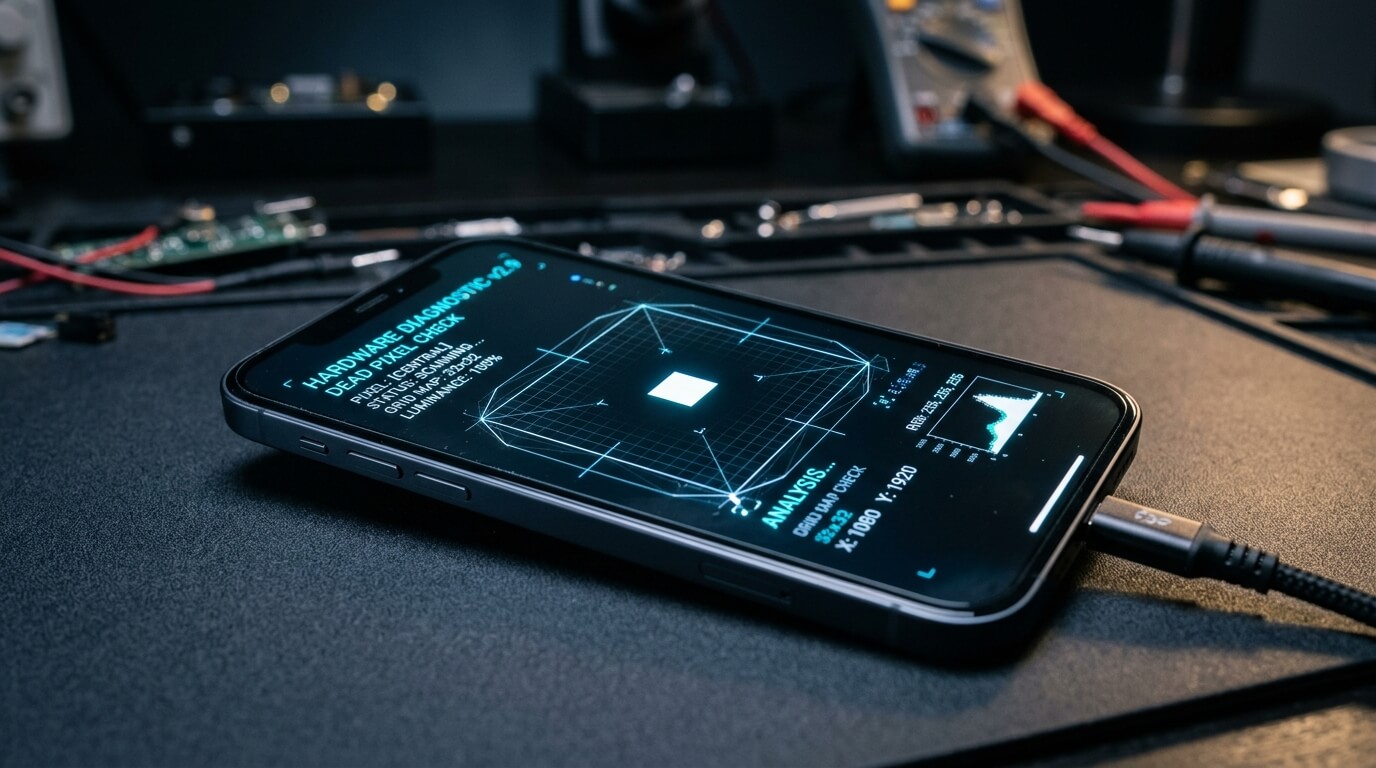
Could It Be a Dead or Stuck Pixel?
Pixels are the tiny points that combine to create everything you see on a display. Modern screens contain millions of them, so even a tiny malfunction can be visible.
A dead pixel generally appears dark because it is not producing light correctly. A stuck pixel, however, may remain fixed at a particular color.
If the affected pixel appears white, it may indicate that the relevant sub-pixels are staying illuminated.
Try opening images with solid colors such as black, red, green, blue, and white. Does the dot remain in exactly the same location?
If it does, a pixel-related problem becomes more likely.
Important: Do not press hard on the affected area. Pressure can make a display problem worse.
How to Check Whether the Dot Is Software or Hardware
Before paying for a repair, perform a few simple checks.
Take a screenshot. Open the screenshot on another device if possible. If the dot appears in the screenshot, it may be generated by software. If the screenshot looks normal but the physical screen still has the dot, the display itself is more likely responsible.
You can also restart the phone and check whether the mark disappears.
Another useful test is to open different applications. If the dot remains in precisely the same physical position regardless of the app, this points toward a display-related issue.
Check the boot or startup screen. If the spot is visible before the operating system fully loads, software becomes a less likely explanation.
Is the Screen Protector Causing the Problem?
Sometimes the phone screen gets blamed for something caused by the protector.
A screen protector can develop:
- Air bubbles
- Dust underneath
- Adhesive patches
- Small cracks
- Uneven pressure
- Surface imperfections
These can look surprisingly similar to display defects.
If the white spot seems slightly raised, changes when viewed from different angles, or appears only under certain lighting, inspect the protector carefully.
If you are comfortable doing so, removing the protector can help identify the source. However, use care and avoid scratching the actual display.
Why Pressure and Physical Damage Matter
Have you recently dropped your phone, placed something heavy on it, or accidentally sat on it?
Even when the glass looks perfectly normal, the internal display layers can sometimes be affected by physical pressure.
A display is not simply one piece of glass. It contains several layers that work together to produce the image. Damage underneath the surface may therefore appear as:
White dots, bright patches, lines, flickering, dark areas, or unusual colors.
This is especially important if the dot appeared immediately after a fall or impact.
A phone case can protect against many accidents, but it cannot guarantee that the display will never be damaged.
Can Heat or Moisture Create White Spots?
Extreme environmental conditions can also affect electronics.
Leaving a phone in direct sunlight, inside a very hot vehicle, or near a strong heat source can raise its temperature significantly.
Moisture is another concern. Water resistance does not mean a phone is immune to every form of liquid exposure. Seals can weaken over time, and damage from drops may compromise protection.
If a white spot appears after exposure to water or unusually high heat, avoid aggressive troubleshooting.
Do not use a hair dryer or another strong heat source to dry the phone. Instead, turn it off if appropriate and seek professional advice if you suspect liquid has entered the device.
Simple Fixes You Can Try at Home
Not every white dot requires a replacement screen.
Start with the simplest steps:
1. Restart the phone.
A temporary software glitch may disappear after restarting.
2. Clean the screen.
Use a soft, clean microfiber cloth. Avoid abrasive materials.
3. Inspect the screen protector.
Look for bubbles, dust, cracks, or uneven areas.
4. Update the operating system.
If the issue is software-related, an update may resolve it.
5. Test different backgrounds.
Use solid colors to see whether the spot changes.
6. Take a screenshot.
Check whether the dot appears in the captured image.
7. Remove recently installed applications.
If the problem started after installing an app, that application could be responsible.
Avoid online tricks that tell you to press, rub, heat, or physically massage a pixel. Such methods can potentially cause additional damage.
When Should You Restart or Update Your Phone?
Restarting is one of the safest troubleshooting methods because it does not physically affect the display.
An operating-system update can also be useful when the mark is actually an overlay, touch indicator, accessibility feature, or application-related element.
Pay attention to timing.
If the dot appeared immediately after a software update or application installation, investigate the software side first.
If it appeared after a drop, pressure, water exposure, or overheating, hardware becomes a stronger possibility.
When Is Professional Screen Repair Necessary?
Professional inspection makes sense when the spot:
- Never disappears
- Is becoming larger
- Appears alongside lines or flickering
- Appeared after a drop
- Appeared after liquid exposure
- Is accompanied by touch problems
- Is spreading across the display
A technician can determine whether the problem involves the display panel, connection, or another internal component.
Depending on the phone, repairing a display may involve replacing the complete screen assembly rather than fixing one individual pixel.
Before authorizing a repair, ask about the repair cost, warranty, replacement-part quality, and whether your existing data will be affected.
If your phone is still under warranty, check the manufacturer’s warranty terms before paying for third-party repair.
How to Prevent More Screen Problems
Prevention is much easier than dealing with a damaged display.
Use a good-quality case and screen protector, and avoid putting the phone in places where it can bend or experience pressure.
Keep the device away from extreme heat and unnecessary moisture.
Do not press hard on the screen, particularly if you already notice an unusual bright spot.
It is also wise to back up important photos, contacts, documents, and other data regularly. A display problem may be minor today but could become worse if the underlying hardware is failing.
Think of a phone backup like keeping a spare key: you hope you never need it, but you will be glad it exists when something goes wrong.
Final Verdict
A white dot on a mobile screen can be caused by anything from a screen protector problem to a stuck pixel or internal display damage. The best approach is not to panic or immediately replace the screen.
First, restart your phone, inspect the protector, clean the display gently, test different backgrounds, and take a screenshot. These simple checks can help you determine whether the problem is software-related or physical.
If the spot remains fixed, grows, or appears with other display problems, professional inspection is the safest option.
FAQs
1. Is a white dot on a phone screen dangerous?
Usually, a white dot itself is not dangerous. However, it can indicate a display defect or damage. If it is spreading or accompanied by other problems, have the phone inspected.
2. Can a stuck pixel fix itself?
Sometimes a stuck pixel may recover, but there is no guarantee. Avoid pressing or rubbing the screen because physical pressure can cause additional damage.
3. How can I tell if the white dot is caused by software?
Take a screenshot and view it on another device. If the dot appears in the screenshot, software may be responsible. If it does not, the physical display is more likely involved.
4. Can a screen protector create a white spot?
Yes. Air bubbles, dust, adhesive problems, and imperfections underneath a screen protector can create spots that look like display damage.
5. Should I replace my screen because of one white dot?
Not necessarily. If the phone works normally and the spot is stable, you may decide to continue using it. However, professional inspection is recommended if the spot grows or other display problems develop.