
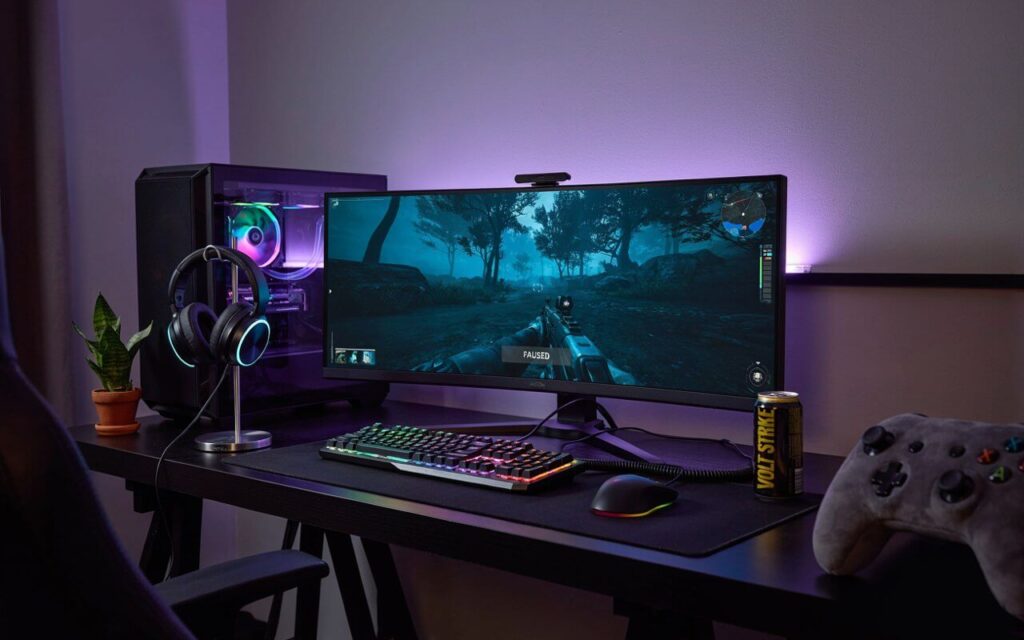
A great gaming setup is more than a powerful computer and a colorful keyboard. It is your personal space for entertainment, competition, creativity, and relaxation. Whether you are building your first gaming corner or upgrading an existing room, the right choices can make your experience much more enjoyable.
But where should you begin? Do you need expensive equipment, or can you create an impressive setup on a reasonable budget? The answer is encouraging: you do not need to spend a fortune to build a comfortable and attractive gaming space.
Think of your setup like a car. A powerful engine is useful, but good seats, clear visibility, comfortable controls, and proper organization make the whole journey better. Gaming works the same way.
What Makes a Good Gaming Setup?
A good gaming setup combines performance, comfort, organization, and personality. You can have the fastest graphics card available, but if you are sitting in an uncomfortable chair for several hours, the experience will quickly become frustrating.
Start by considering how you actually use your gaming space. Do you mostly play competitive games? Are you interested in story-driven titles? Do you stream, create videos, study, or work at the same desk?
Your answers should influence your purchases.
The main elements of a gaming space include:
- Gaming computer or console
- Monitor or television
- Desk
- Comfortable chair
- Keyboard and mouse or controller
- Headset or speakers
- Adequate lighting
- Cable management
- Storage and organization
- Personal decorations
The best setup is not necessarily the most expensive one. It is the one that fits your room, habits, budget, and preferences.
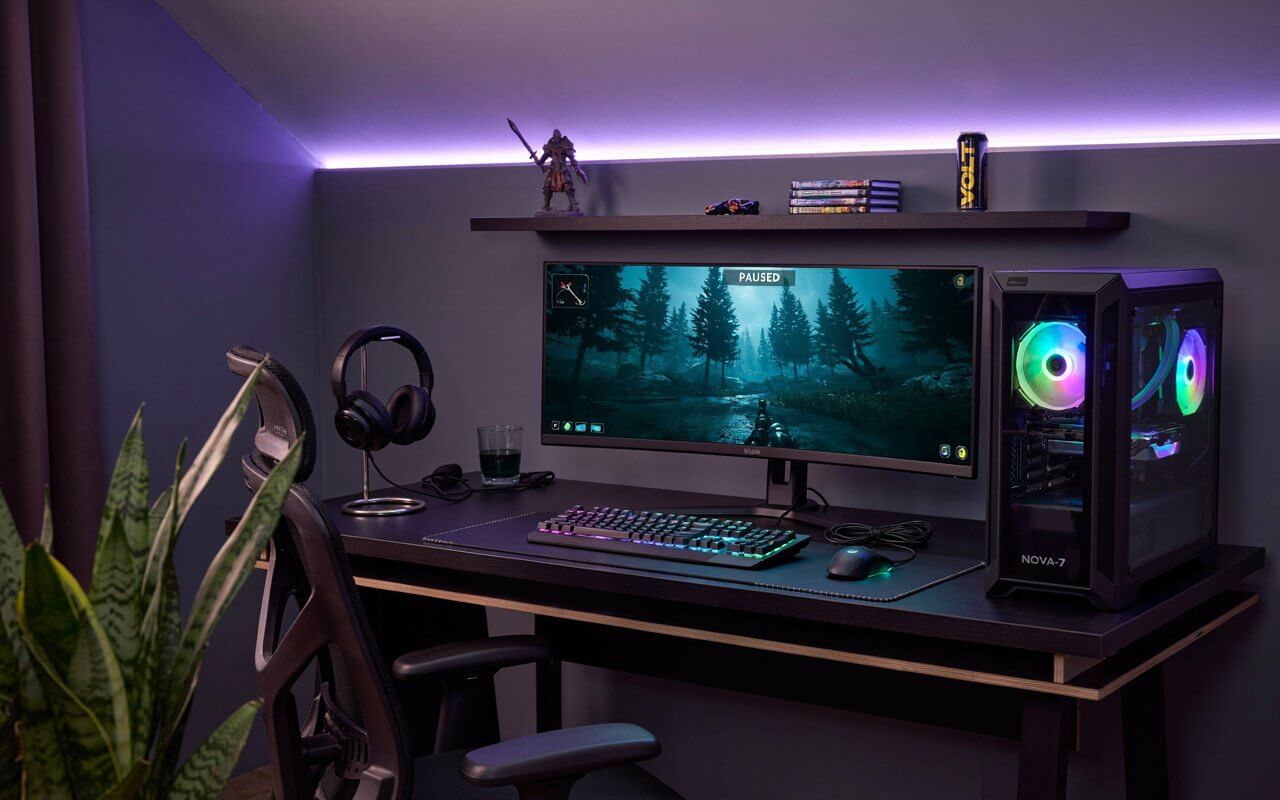
Choosing the Right Gaming Desk
The desk is the foundation of your gaming area. Everything else sits around it, so choosing the right size and shape is important.
A desk should provide enough space for your monitor, keyboard, mouse, speakers, and other accessories. If you also use the computer for school or work, you may want additional room for notebooks, documents, or another screen.
Pay attention to desk dimensions.
A compact desk can work well in a bedroom or small apartment. A wider desk is better if you use multiple monitors or want room for a microphone and other equipment.
The height also matters. Your arms should rest comfortably while using the keyboard and mouse. You should not constantly raise your shoulders or bend your wrists.
Consider these desk features:
- Strong and stable construction
- Sufficient surface area
- A comfortable height
- Space underneath for your legs
- Cable-management openings
- Easy-to-clean material
- Enough room for future upgrades
A simple wooden or metal desk can look excellent when properly organized. You do not necessarily need a desk specifically marketed for gamers.
Finding a Comfortable Gaming Chair
You may be tempted to focus on appearance when buying a gaming chair, but comfort should come first.
You could have a beautiful gaming room with impressive lighting and expensive equipment, yet an uncomfortable chair can ruin the experience.
Look for a chair that provides good support and allows you to adjust its height. Armrests can also make a significant difference, especially during long sessions.
Important features include:
- Adjustable seat height
- Supportive backrest
- Comfortable seat cushion
- Suitable armrests
- Stable base
- Appropriate size for your body
Do not assume that a racing-style gaming chair is automatically better than an office chair. A high-quality ergonomic office chair can be an excellent choice for gaming.
Your goal is simple: stay comfortable without constantly shifting your position.
Selecting the Right Monitor
Your monitor is one of the most important parts of your gaming experience because it is where you see everything happening.
When selecting one, consider screen size, resolution, refresh rate, response time, panel quality, and connectivity.
A higher refresh rate can make fast-moving games feel smoother. This can be especially noticeable in competitive shooters and racing games.
Resolution is another consideration. A higher resolution can provide a sharper image, but it may also require stronger hardware to maintain smooth performance.
Think about what you play most.
If you enjoy competitive games, smooth motion and responsiveness may be particularly important. If you prefer cinematic single-player games, image quality and resolution may be higher priorities.
You should also consider whether one monitor is enough. A second screen can be useful for streaming, browsing, watching guides, monitoring chat, or handling other tasks while gaming.
However, more monitors do not automatically mean a better setup. Buy what you will actually use.
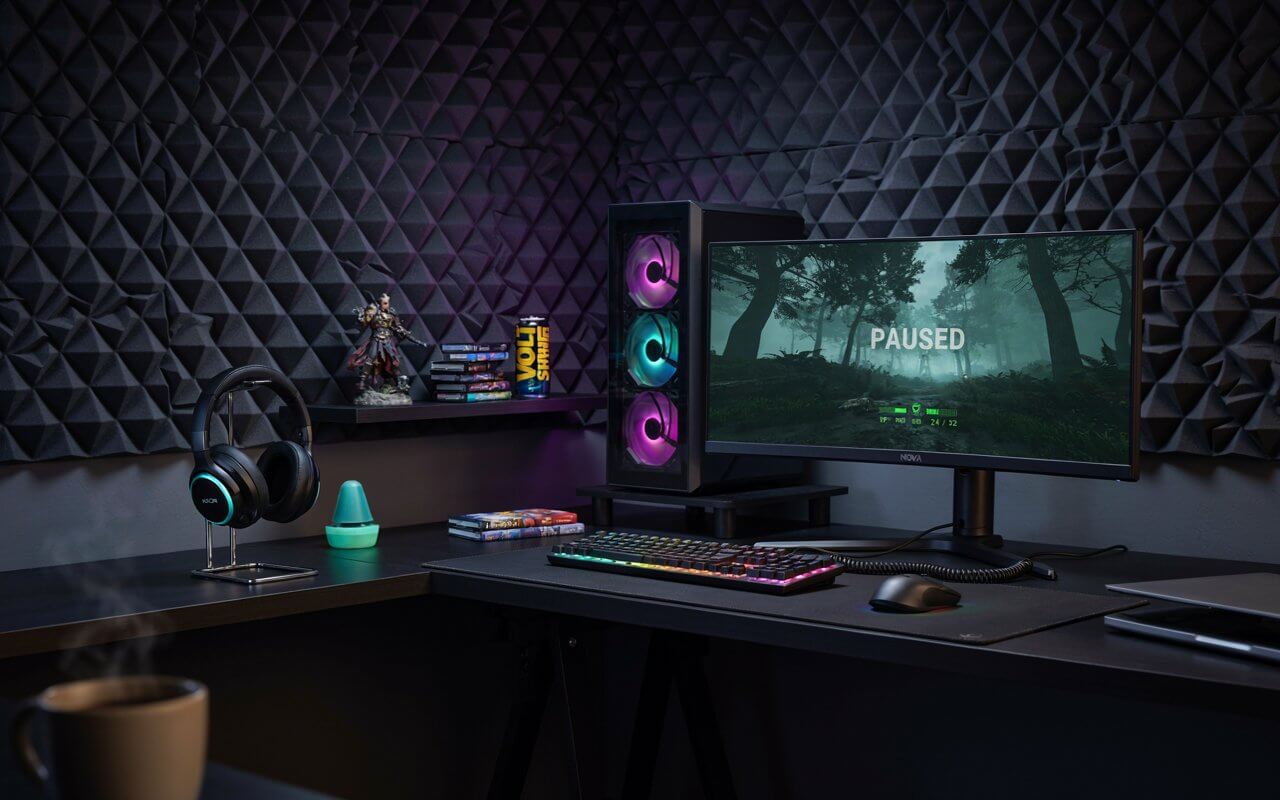
Building or Choosing a Gaming PC
The computer is the heart of a PC gaming setup. When choosing components, avoid focusing on a single specification.
A balanced system generally includes:
- Processor
- Graphics card
- Memory
- Storage
- Motherboard
- Power supply
- Cooling
- Computer case
The graphics card plays a major role in rendering games, while the processor handles many of the calculations required by games and other applications.
Memory affects how well your system handles multiple applications, while fast storage can improve loading times and general responsiveness.
Balance is more important than simply buying the most expensive component.
For example, purchasing an extremely powerful graphics card while using an unsuitable processor can prevent you from getting the performance you expect.
You should also consider future upgrades. A case with good airflow and a motherboard with useful expansion options can make future improvements easier.
If you do not want to build a PC yourself, a prebuilt gaming computer can be a convenient alternative. Just compare its individual specifications rather than judging it by the marketing name alone.
Keyboard, Mouse, and Headset Essentials
Your keyboard and mouse are the tools you physically interact with most during PC gaming. Because of that, personal comfort matters more than popularity.
A mechanical keyboard can provide a distinctive typing and gaming experience, while other keyboard types can be quieter and more affordable.
When choosing a mouse, consider its shape, size, weight, buttons, and tracking performance.
Do not buy a mouse simply because a professional gamer uses it. Their hand size, grip, game preferences, and sensitivity settings may be completely different from yours.
A headset can provide both game audio and voice communication. Look for comfortable ear cushions, a clear microphone, and sound that suits the games you play.
Wireless accessories can create a cleaner desk, while wired models can often provide reliable connections without worrying about battery levels.
Gaming Setup Lighting and Ambience
Lighting can completely change the appearance of your gaming room.
RGB lighting is popular because it allows gamers to create colorful environments, but you do not need to turn your room into a rainbow. Subtle lighting can look just as impressive.
Popular lighting options include:
- LED strips
- Monitor backlighting
- Desk lamps
- Wall lights
- Ambient floor lamps
- RGB keyboard and mouse lighting
Try to avoid placing extremely bright lights directly behind or beside your monitor. Excessive glare can make the screen harder to see.
A softer background light can create a more comfortable atmosphere.
You can also coordinate your lighting with your room’s colors. For example, neutral furniture with subtle blue or purple lighting can create a modern appearance without becoming overwhelming.
Cable Management and Organization
Few things make an expensive gaming area look messy faster than tangled cables.
Fortunately, cable management does not require complicated equipment.
Start by identifying each cable and deciding where it needs to go. Then group cables together and secure them underneath the desk.
Useful cable-management solutions include:
- Cable clips
- Velcro straps
- Cable sleeves
- Under-desk trays
- Adhesive cable holders
- Cable boxes
Keep power cables separated and make sure nothing is stretched tightly.
Good organization also makes cleaning and upgrading easier. If you need to replace a keyboard or move your computer, you will appreciate not having to untangle a giant knot of wires.
Think of cable management as the hidden architecture of your gaming room. You may not notice it when it is done well, but you certainly notice it when it is done badly.
Audio for an Immersive Experience
Sound can completely change how a game feels.
A good headset can help you hear footsteps, environmental details, dialogue, music, and other important sounds. This can be particularly useful in competitive games where audio cues matter.
However, headphones are not the only option.
Speakers can be a great choice when:
- You usually play alone.
- You want room-filling sound.
- You do not want to wear headphones continuously.
- You enjoy movies and music on your computer.
If you stream or communicate frequently, microphone quality becomes particularly important. A dedicated microphone can produce clearer voice communication than many built-in headset microphones.
Your room itself also affects sound. Hard surfaces can create echoes, while curtains, carpets, and furniture can naturally soften reflections.
Creating a Gaming Setup on a Budget
One of the biggest misconceptions about gaming spaces is that you need thousands of dollars to build one.
You don’t.
The smartest approach is to prioritize the things that affect your experience most.
If your current computer runs the games you enjoy, you may not need to replace it immediately. Instead, you could improve your chair, monitor, lighting, or storage.
A practical upgrade order could be:
- Comfort
- Performance
- Display
- Input devices
- Audio
- Lighting
- Decorations
You can also reuse furniture you already own. A normal desk can become a gaming desk with better organization and accessories.
Look for sales, compare specifications, and avoid buying equipment simply because it looks impressive online.
A gaming setup should serve you, not your shopping list.
Personalizing Your Gaming Space
This is where your personality can really appear.
Your gaming space does not have to look identical to photographs you see online. Add things you genuinely enjoy.
You might display game artwork, collectibles, posters, figures, plants, books, or photographs.
A clean background can also make a room feel more professional if you stream or create content.
Try choosing a simple visual theme.
For example, you could use black and white furniture with a single accent color. Alternatively, natural wood, plants, and warm lighting can create a relaxed environment.
Remember that personalization does not mean filling every available space. Sometimes one carefully chosen decoration looks better than ten random items.
Common Gaming Setup Mistakes to Avoid
Even an expensive setup can have problems if it is poorly planned.
One common mistake is buying equipment before measuring the room. Always check your available space before purchasing a large desk or monitor.
Another mistake is focusing too heavily on appearance. A setup can look fantastic in photographs while being uncomfortable to use.
Other mistakes include:
- Buying hardware you do not need
- Ignoring chair quality
- Poor cable organization
- Using excessive lighting
- Blocking airflow around the PC
- Forgetting storage space
- Ignoring ergonomics
- Buying accessories without checking compatibility
You should also avoid placing your computer somewhere with poor airflow. A powerful system needs adequate ventilation to operate effectively.
Finally, do not feel pressured to copy another person’s setup. Their room, budget, games, and preferences may be completely different from yours.
How to Keep Your Setup Clean and Comfortable
Once your gaming area is complete, maintenance becomes important.
Dust can accumulate around your computer, desk, keyboard, and other equipment. Regular cleaning helps keep your space looking good and can reduce unwanted buildup around hardware.
Keep drinks away from sensitive electronics whenever possible. A small spill can turn an enjoyable gaming session into an expensive problem.
Create a simple cleaning routine.
Wipe the desk regularly, clean your keyboard and mouse, remove visible dust, and keep cables organized. If your computer has accessible dust filters, check them periodically according to the manufacturer’s recommendations.
You should also take short breaks during long gaming sessions. Stand up, move around, and give your eyes a rest.
A gaming space should be enjoyable, not exhausting.
Conclusion
Creating the perfect gaming setup is not about spending the most money or owning the most impressive equipment. It is about building a space that works for you.
Start with the basics: a suitable desk, comfortable chair, capable gaming system, good display, reliable accessories, and sensible organization. Then add lighting and decorations to make the space feel personal.
Most importantly, upgrade gradually. A well-planned setup can grow with you over time.
Whether you have a small corner of a bedroom or an entire gaming room, thoughtful choices can transform an ordinary space into somewhere you genuinely enjoy spending time.
Frequently Asked Questions
1. What is the most important part of a gaming setup?
The most important part depends on your needs, but a balanced combination of comfort, gaming performance, and display quality usually has the biggest impact. Do not overlook your chair and desk while focusing on computer specifications.
2. How much does a good gaming setup cost?
There is no fixed price. A basic setup can be built using existing furniture and reasonably priced equipment, while premium setups can cost much more. Start with your budget and prioritize components that improve your actual gaming experience.
3. Do I need RGB lighting for a gaming setup?
No. RGB lighting is completely optional. It can improve the appearance of a room, but it does not improve gaming performance. Choose lighting based on your personal taste and comfort.
4. Is a gaming chair better than an office chair?
Not necessarily. A high-quality office chair can provide excellent comfort and support. The best chair is the one that fits your body, desk height, sitting habits, and personal preferences.
5. Should I use one monitor or two monitors for gaming?
One monitor is sufficient for gaming. A second display can be useful for streaming, browsing, communication, guides, or multitasking, but it is not essential. Choose based on how you actually use your computer.